Revive Your Wireless Earbuds: The Simple Cleaning Trick That Costs Next to Nothing
If you've noticed your wireless earbuds sounding muffled, losing volume, or taking forever to charge, don't rush out to buy a new pair just yet. Before you spend big money, try a cheap and easy fix that can restore their performance. Dirt, earwax, and debris often build up on the mesh grilles and charging contacts, causing these common issues. With a few household items and a couple of minutes, you can breathe new life into your earbuds. Here's everything you need to know.
Why do my wireless earbuds sound worse over time?
The most common culprit is a buildup of debris on the mesh screens covering the speakers. As you wear your earbuds, earwax, dust, and lint gradually clog these tiny openings. This blockage muffles the sound, reduces clarity, and can even lower the maximum volume. It's like trying to hear through a dirty window—the sound waves get distorted and weakened. This happens with all brands, from Apple's AirPods to Google's Pixel Buds and Nothing's earbuds. The good news is that the fix is simple and costs less than a dollar.
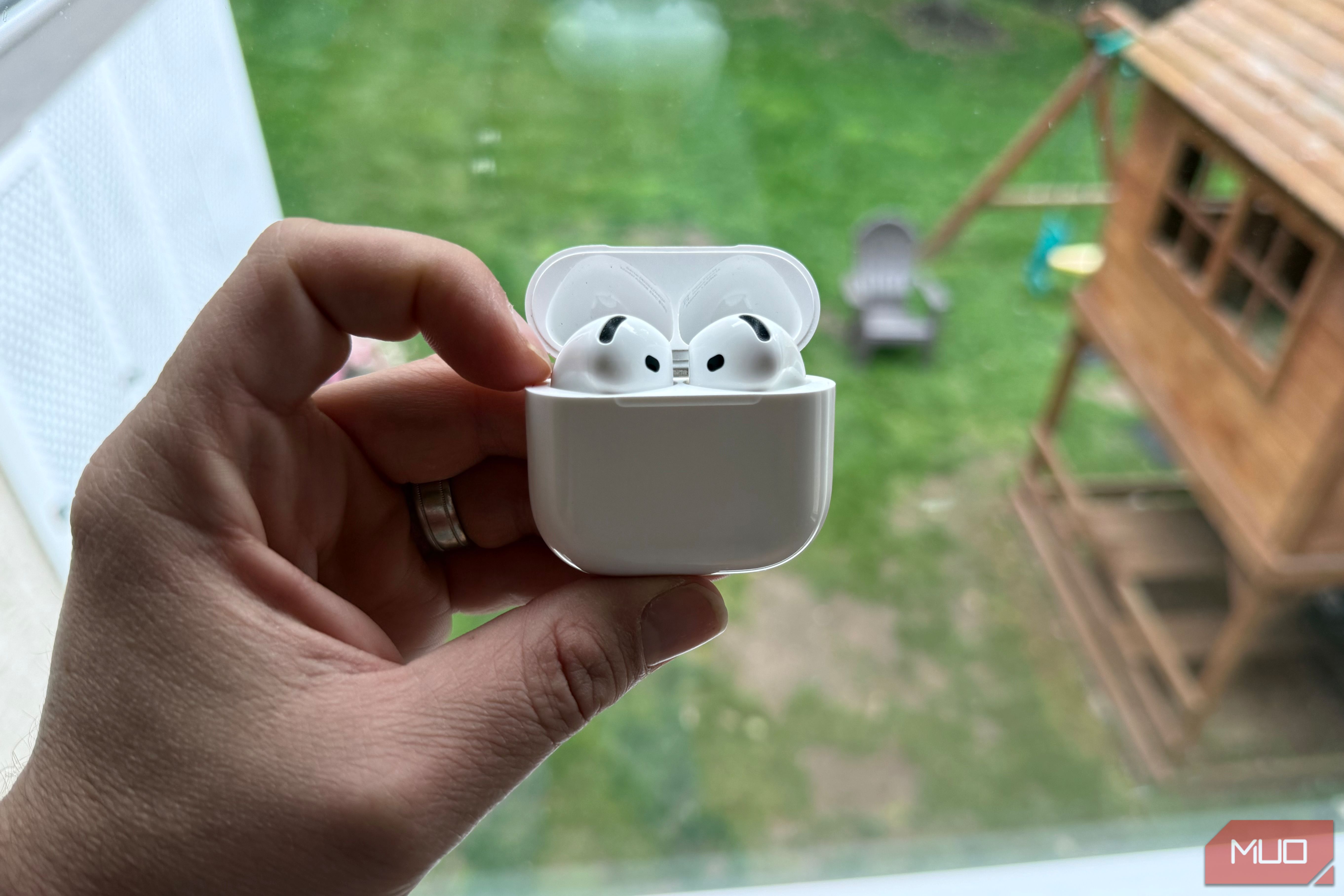
What is the $1 fix for earbuds?
The $1 fix involves cleaning the speaker meshes and charging contacts using items you likely already own. All you need is a soft-bristled toothbrush, a clean cotton swab, and some isopropyl alcohol (70% or higher). Gently brush the mesh grilles with the dry toothbrush to dislodge loose debris. Then, dip the cotton swab in alcohol and lightly wipe the grilles to dissolve stubborn wax. For charging issues, use a dry cotton swab to clean the metal contacts on both the earbuds and the case. This whole process takes about two minutes and can dramatically improve sound quality and charging speed.
Why do my earbuds charge slowly now?
Slow charging often results from dirt or oxidation on the charging pins inside the case and the corresponding contacts on the earbuds. Over time, earwax and lint can transfer from your ears onto the earbuds, and then onto the case's connectors. This creates a barrier that hinders electrical contact. The same debris can also block the case's charging port if you use a wired cable. Cleaning the contacts with a dry cotton swab or a toothpick (gently!) can restore a proper connection. If the case itself won't charge, check the port for lint buildup—a common issue on all brands.
How should I clean the mesh grilles properly?
To safely clean the mesh grilles, follow these steps:
- Remove the ear tips (if detachable) to expose the mesh.
- Use a soft, dry toothbrush to gently sweep across the mesh in one direction. Avoid pressing hard—you don't want to push debris deeper.
- For stubborn wax, lightly moisten a cotton swab with isopropyl alcohol and dab the mesh. Do not soak it; excess liquid can damage internal components.
- Let the earbuds air dry for 5–10 minutes before use.
- If you don't have alcohol, a dry toothbrush alone often works. For charging contacts, use a dry cotton swab or a wooden toothpick to scrape away debris.
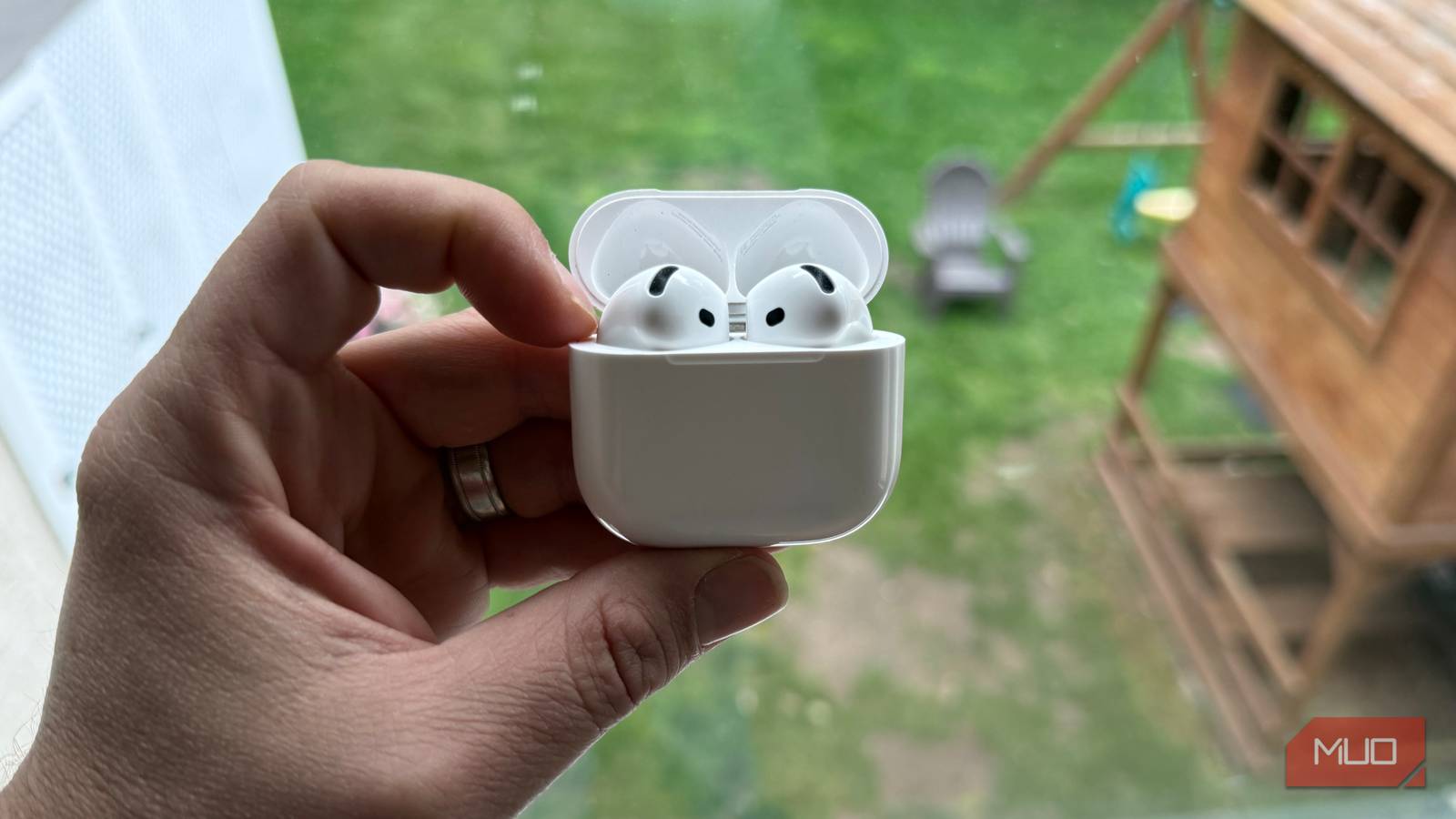
What tools do I need for this fix?
You only need a few inexpensive items:
- A soft-bristled toothbrush (preferably unused).
- Cotton swabs.
- Isopropyl alcohol (70% or higher) or white vinegar as an alternative.
- Toothpick (wooden, for stubborn debris on contacts).
- Compressed air (optional, for blowing out the case's charging port).
How often should I clean my earbuds?
It depends on your usage and earwax production. As a general rule, clean the mesh grilles every two to four weeks if you use your earbuds daily. Charging contacts should be checked monthly. Signs you need to clean include: muffled audio, lowered volume, one earbud sounding quieter, or slow charging. You can also set a calendar reminder. If you exercise with your earbuds, clean them more often because sweat and moisture accelerate debris buildup. Prevention is key—a quick weekly wipe with a dry cloth keeps performance consistent.
Are there any risks to cleaning my earbuds?
If done carefully, cleaning is safe. However, avoid these common mistakes:
- Do not use sharp metal objects that can scratch the mesh or damage the driver.
- Do not soak the earbuds in any liquid; moisture can seep inside and cause short circuits.
- Avoid using alcohol on silicone ear tips excessively—it can degrade the material over time.
- When using compressed air, keep the nozzle at a distance to avoid pushing debris further into the earbud.
Related Articles
- The Rise of Spring Sci-Fi: Your 2026 Streaming Preview
- 10 Key Insights from the Spotify x Anthropic Live Discussion on Agentic Development
- Amazon Prime Video Launches 'Clips' Vertical Feed for Bingeable Snippets
- Streaming UI Crisis: How Real-Time Content Breaks User Experience
- Walmart's New 4K Google TV Stick: The Chromecast Replacement You've Been Waiting For
- How Spotify Wrapped 2025 Works: The Engineering Behind Your Year in Music
- 7 Crucial Principles for Designing Stable Streaming Interfaces
- Everything You Need to Know About Avatar: Fire and Ash Hitting Disney Plus