4 Critical Mistakes Google Must Sidestep with the Upcoming Googlebook: Chromebook Lessons
For over a decade, Chromebooks have been both a classroom hero and a productivity punchline. They brought speed, simplicity, and security to millions, yet also frustrated users with limitations. Now, as Google prepares to launch a fresh laptop line—rumored as the Googlebook—the company has a golden opportunity to rewrite its narrative. Learning from past missteps is not just wise; it's essential. Below, we break down the four most glaring Chromebook pitfalls that Google should avoid at all costs, from underpowered hardware to market confusion. The Googlebook can be more than a reboot—it can be a revolution, if Google listens to the lessons of the past.
1. Underpowered Hardware That Limits Real-World Use
One of the most persistent criticisms of Chromebooks has been their tendency to ship with low-end processors and minimal RAM. While this kept prices down, it also meant that opening more than a handful of tabs or running a video call could turn the machine into a sluggish mess. For the Googlebook, this lesson is clear: performance matters. A new device should offer at least a mid-range chipset (like Intel Core i3 or equivalent) and 8GB of RAM as a baseline. Power users might even appreciate options for 16GB. This doesn't mean abandoning affordability—Google can offer tiered models—but the base model should not feel like a toy. Real productivity demands real horsepower, and the Googlebook must be ready for the multi-tasking workflows of modern users, from students coding in Python to professionals juggling spreadsheets and cloud apps.
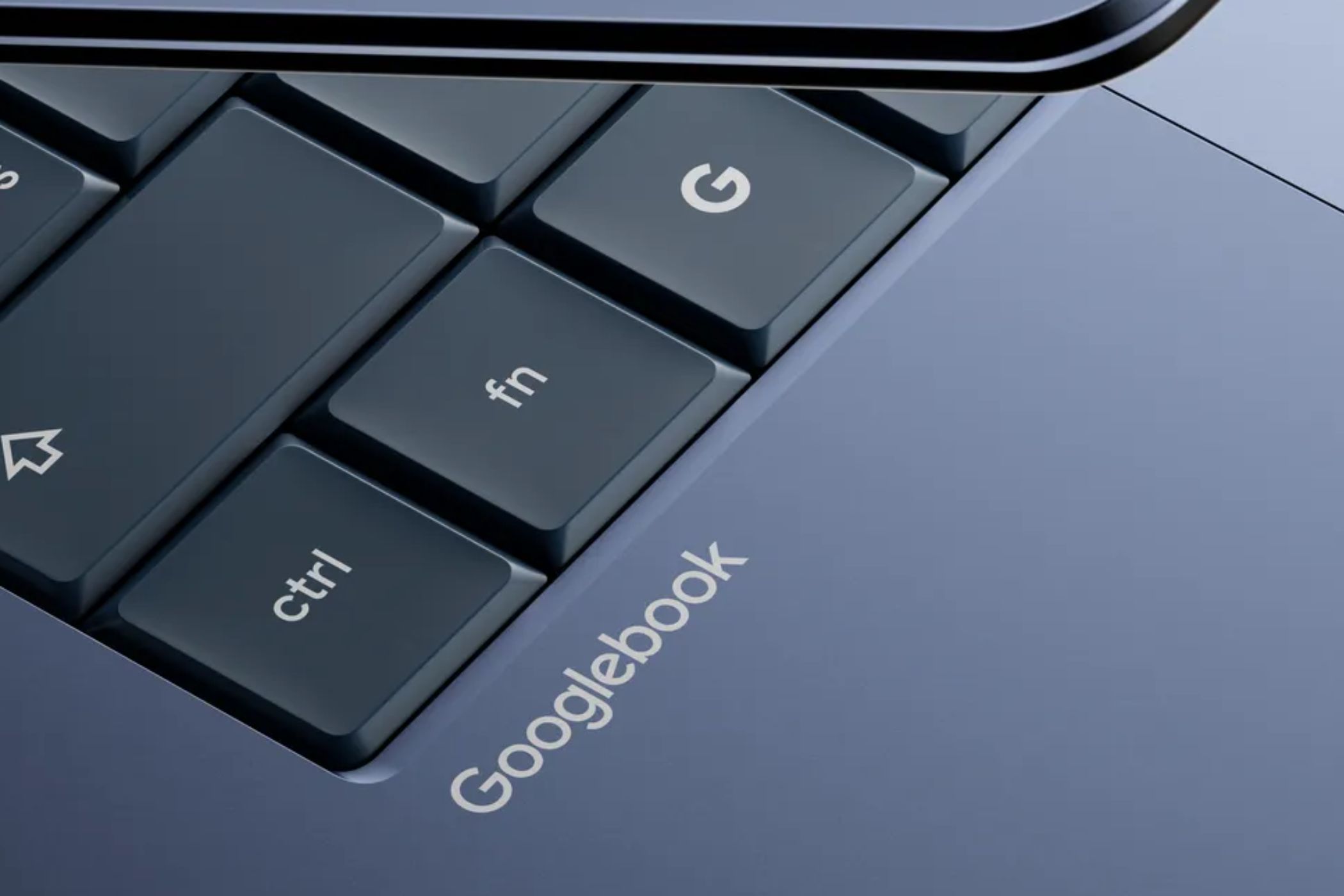
2. Overreliance on a Narrow Web-Only Ecosystem
Chromebooks originally bet everything on the browser, assuming that all tasks could be done in Chrome. While web apps have matured, many critical applications—like Adobe Photoshop, advanced video editors, or offline productivity suites—still run poorly or not at all. Google addressed this partly with Android and Linux app support, but the experience has been clunky and inconsistent. For the Googlebook, the company must embrace a truly hybrid ecosystem. This means native support for popular professional software, seamless integration with Android apps (without forcing developers to adapt), and a polished Linux container for developers out of the box. No one wants to buy a laptop only to discover their favorite tool isn't available. Google should partner with key software vendors to ensure day-one compatibility, making the Googlebook a genuine alternative to Windows and macOS for creative and technical users.
3. Short Lifespan and Fragmented Support Cycles
Chromebooks have historically suffered from limited automatic update expiration (AUE) dates, sometimes as short as four years. This planned obsolescence frustrated schools and families who expected a longer lifespan from their investment. Worse, the end-of-support left devices vulnerable to security issues and unable to run newer web standards. For the Googlebook, Google must commit to extended, transparent support. A minimum of eight years of guaranteed updates would align with industry leaders like Apple and Microsoft. Additionally, the company should offer a clear, public timeline for when each model will stop receiving updates, so buyers can make informed decisions. Trust is built on longevity. If Google wants the Googlebook to be a long-term companion rather than a disposable gadget, it must treat support as a core feature—not an afterthought.

4. Confusing Product Naming and Market Segmentation
Google's Chromebook lineup has been a maze of model numbers, generations, and unclear tiers—Pixelbook, Chromebook, Chromebook Plus, etc. Customers often couldn't tell which device was best for them, leading to buyer's remorse or paralysis. The Googlebook needs a clear, consumer-friendly naming scheme. For example, simple categories like "Googlebook Basic," "Googlebook Pro," and "Googlebook Studio" would instantly communicate use cases and price points. Each tier should have distinct, well-documented specs and target audiences. Avoid cryptic suffixes or overlapping features that confuse. Simplicity sells. When a shopper walks into a store or browses online, they should know in seconds which model fits their needs—whether it's a student, a creative professional, or a business user. Google can also leverage strong brand colors and design language to differentiate tiers visually.
Looking Ahead: A New Chapter for Google Laptops
The Googlebook represents a pivotal moment for Google in the laptop space. By addressing these four critical mistakes—underpowered hardware, ecosystem narrowness, short support lifespans, and confusing naming—the company can create a device that competes head-on with premium laptops while retaining the simplicity that made Chromebooks beloved. The opportunity is ripe for a comeback; all Google has to do is learn from its own history. The future of cloud-powered computing is bright, but only if the hardware, software, and support come together seamlessly. Let's hope the Googlebook is the device that finally gets it right.
Related Articles
- TurboQuant: Google's New Approach to Efficient KV Cache Compression for LLMs
- AI Job Apocalypse Accelerates: Entry-Level Hiring Plummets as Industry Leaders Warn of 50% Wipeout in Five Years
- 10 Fascinating Facts About the Book That Launched a Generation of Programmers
- Six Educators Selected for 2026-27 ISTE+ASCD Voices of Change Fellowship Amid AI-Driven School Transformation
- PowerShell Mastery Bypasses Windows 11 Settings App Woes
- Grafana Assistant Pre-Builds Infrastructure Knowledge to Cut Incident Response Time
- Cybersecurity Alert: Major Breaches, AI Threats, and Critical Patches – Week of May 11
- How to Sustain Radical Possibility in Schools Without Sacrificing Your Well-Being